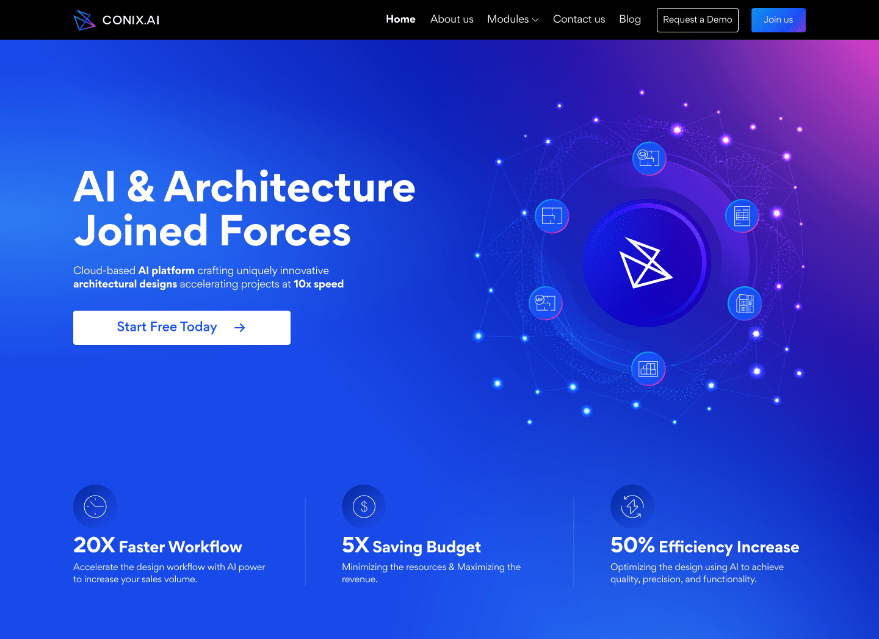
A UX case study of CONIX.AI product from an idea to its current state.
CONIX.AI as a solution for architects
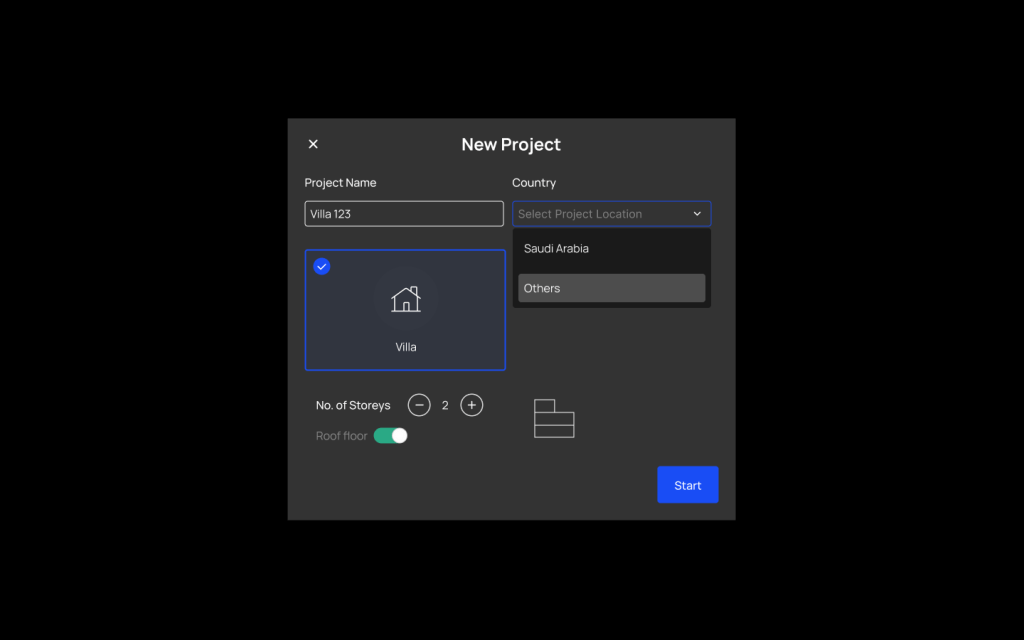
It all started in an architecture studio in Egypt. Architects were looking for something to accelerate and improve their work efficiency. They started developing an AI tool to be used internally and it surprised them with the results. and they eventually decided to make it into a digital product that helps other architects. The AI was coding based and it needed to have an interface in order to be used by other architects.
The solution suggested works as the following:
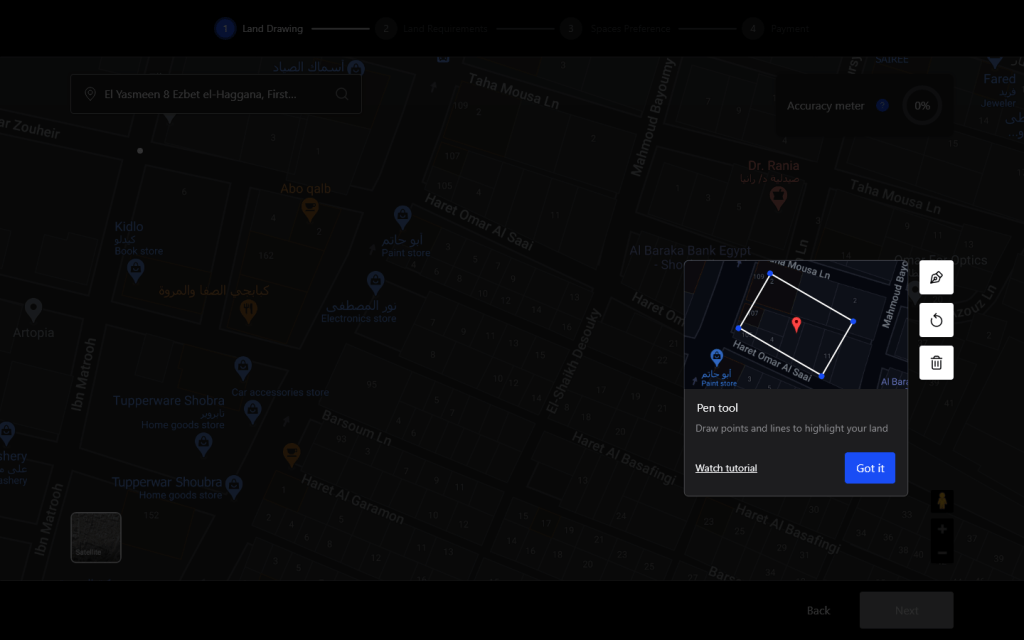
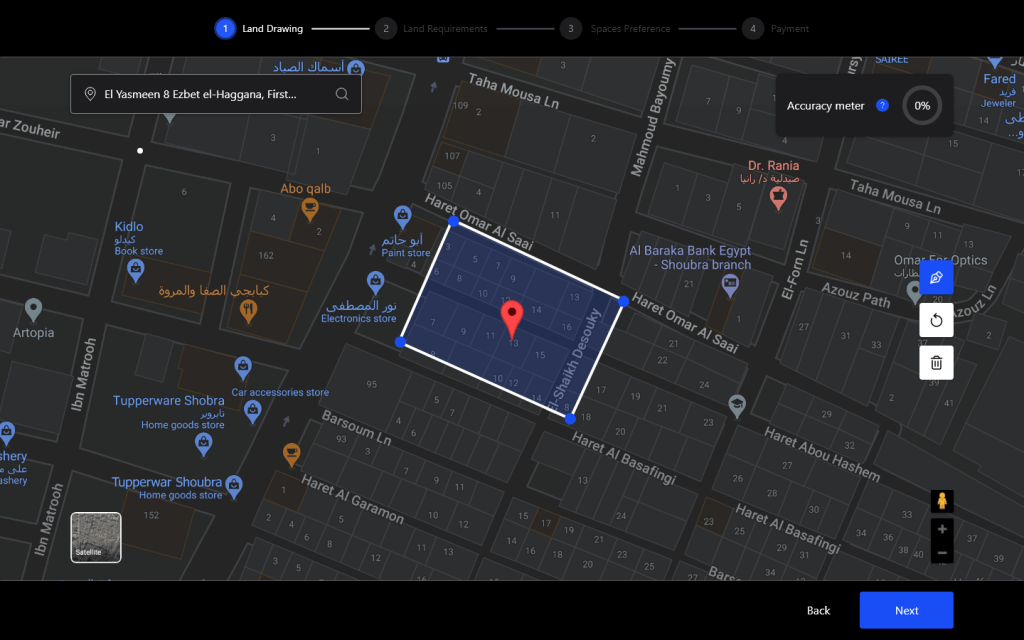
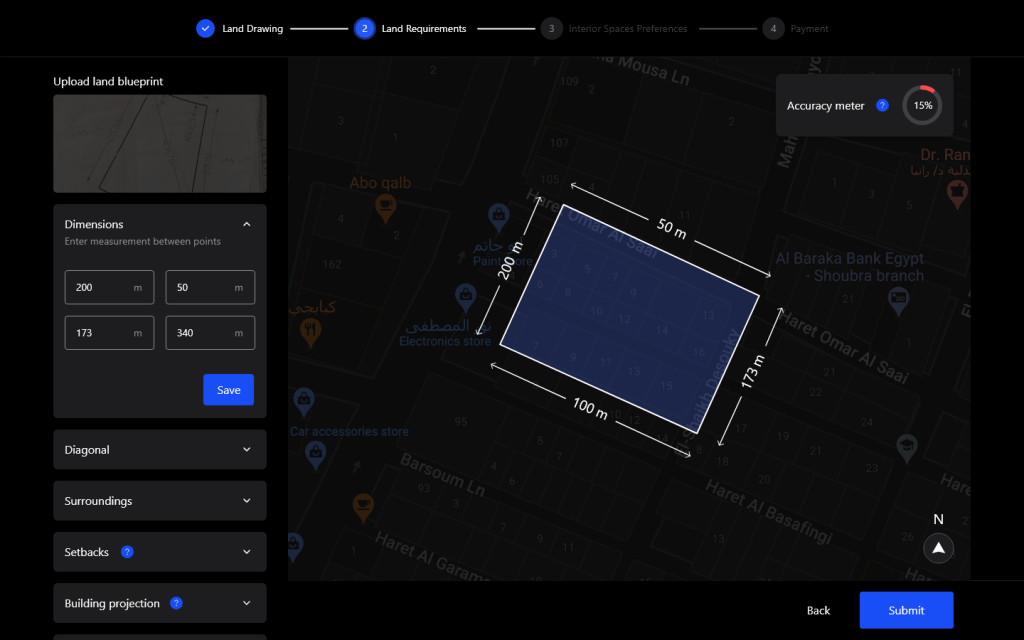
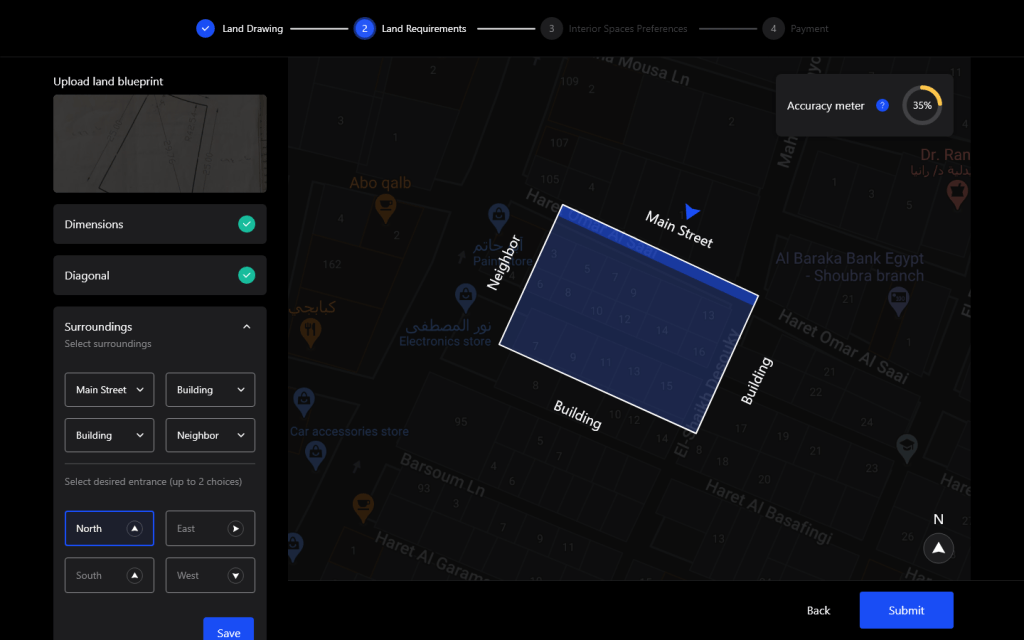
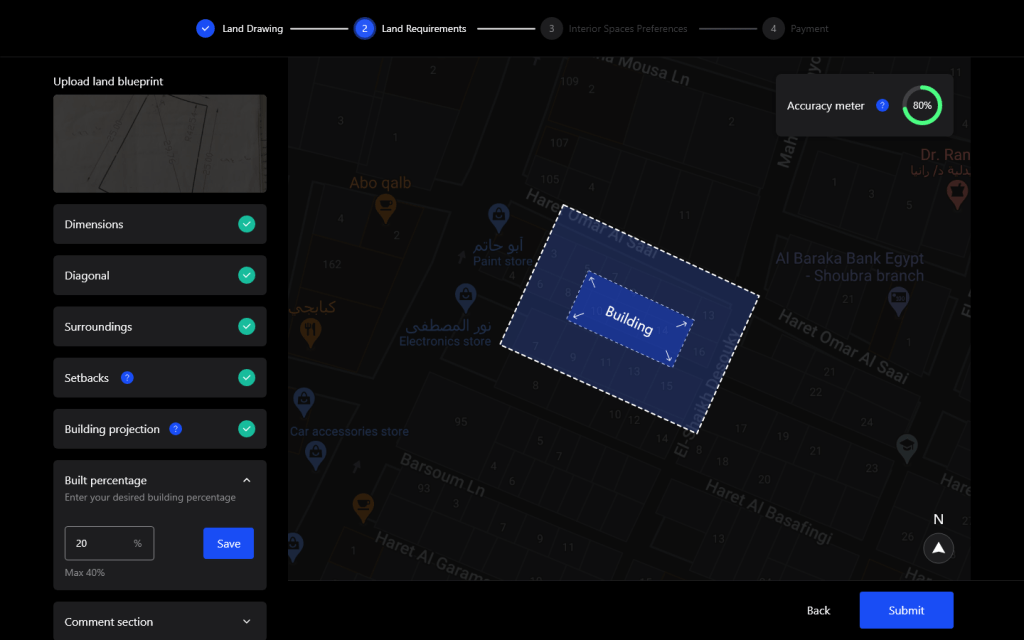
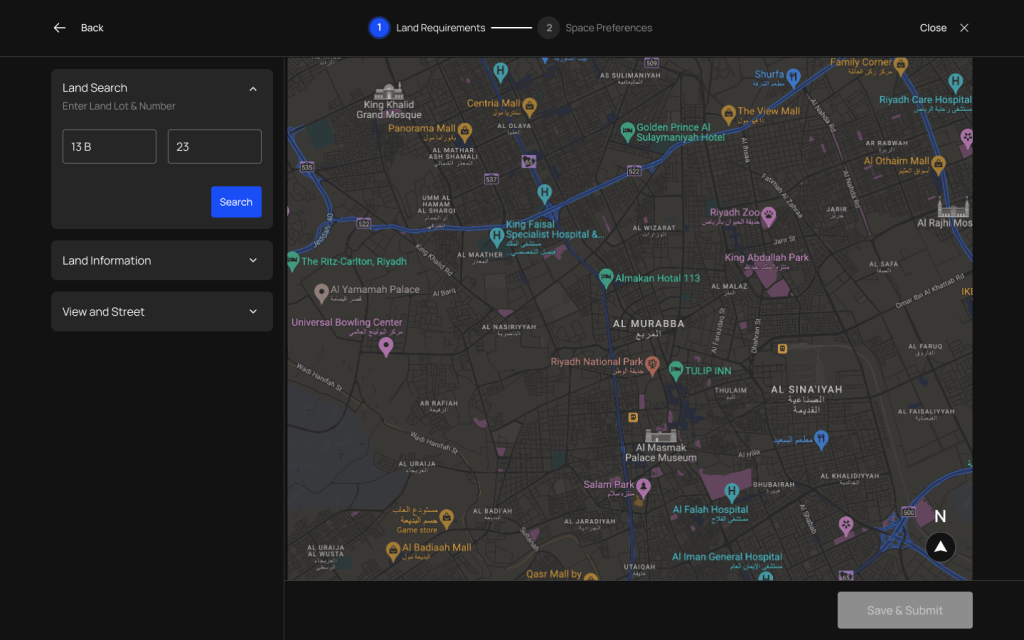
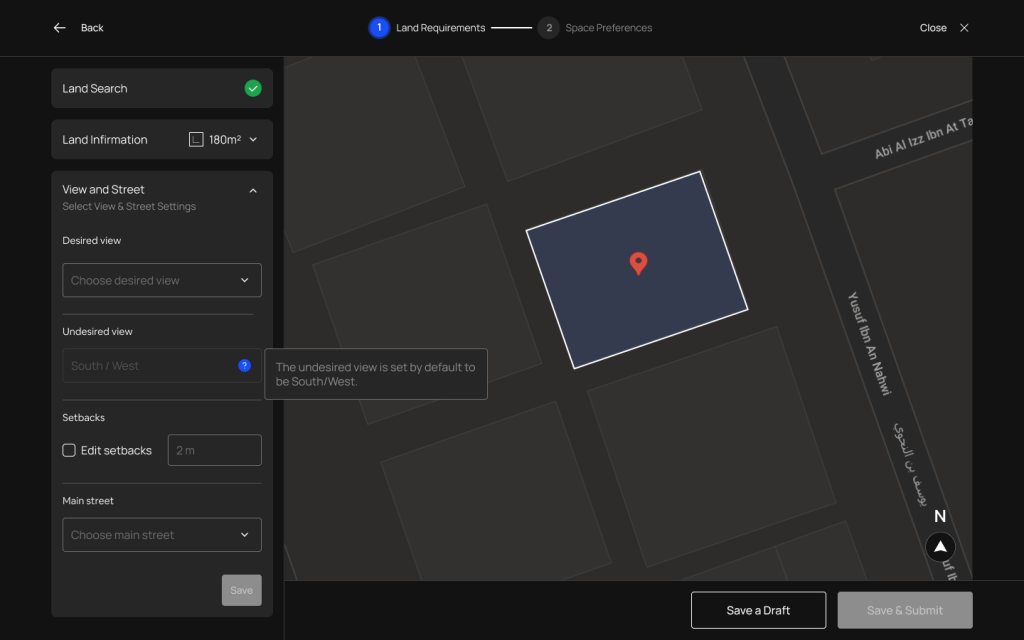
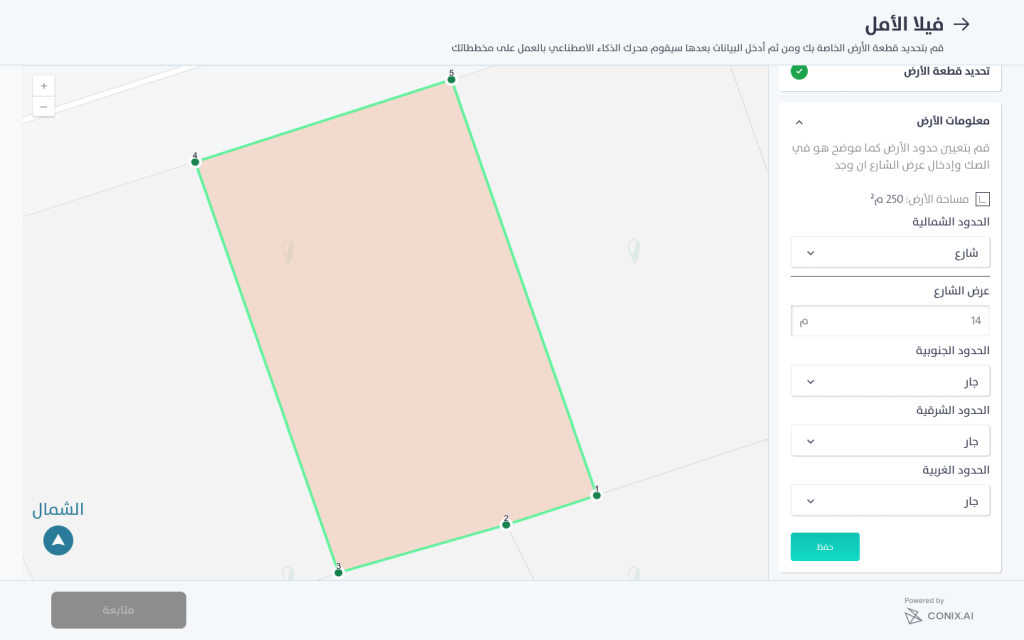
- The AI engine needs coordinates of the land to get its rotation according to the north direction. Users can find their land location on maps then start drawing it.
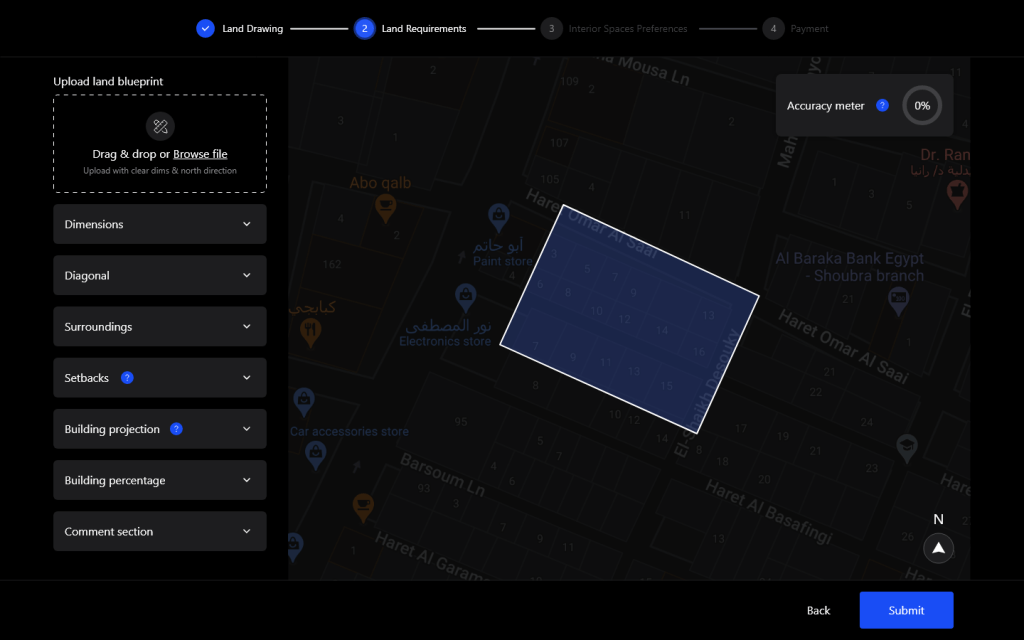
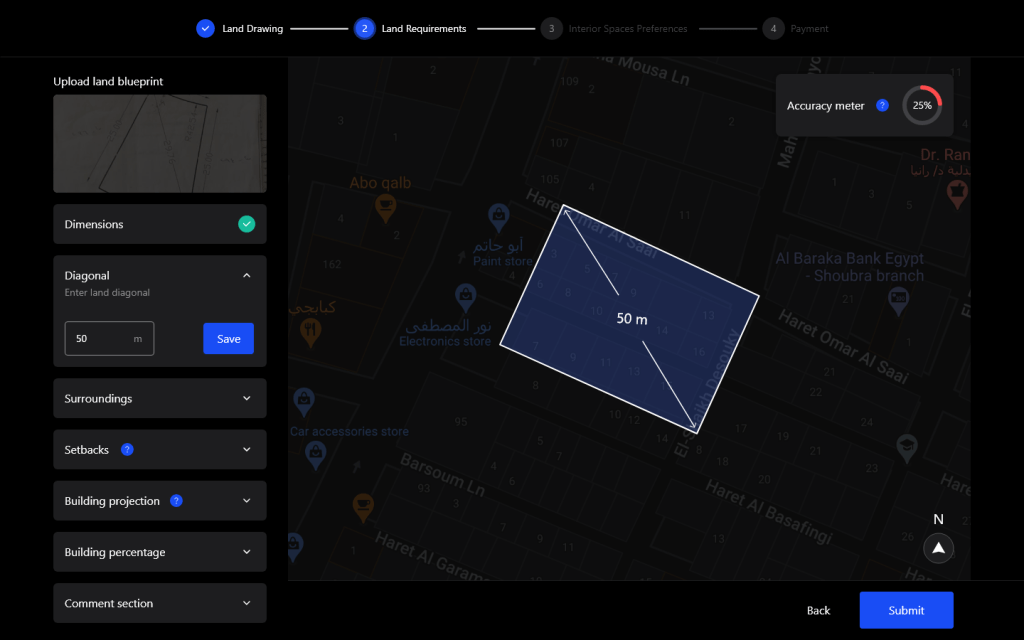
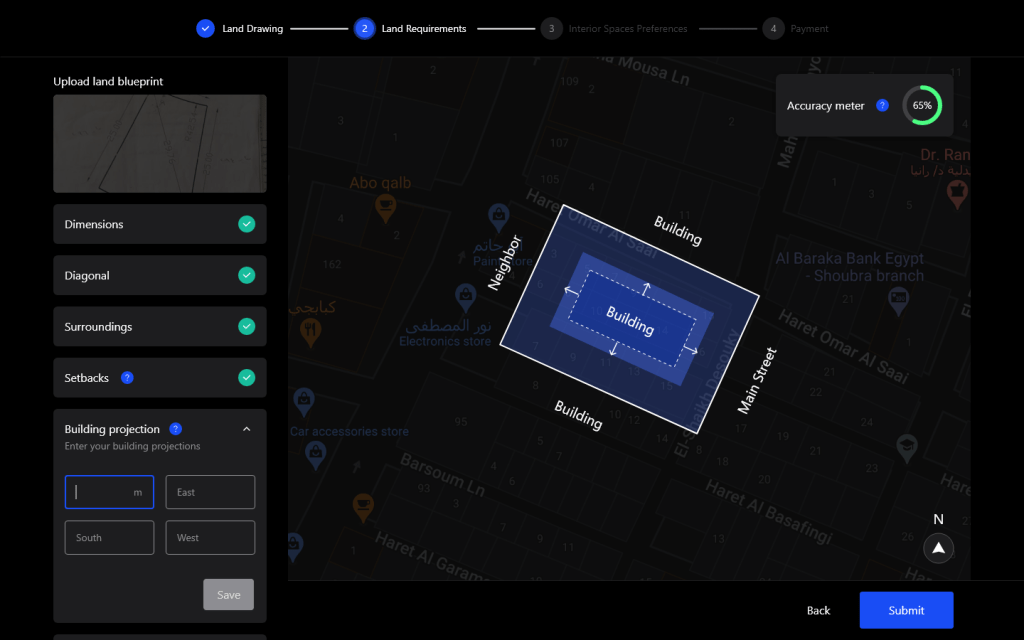
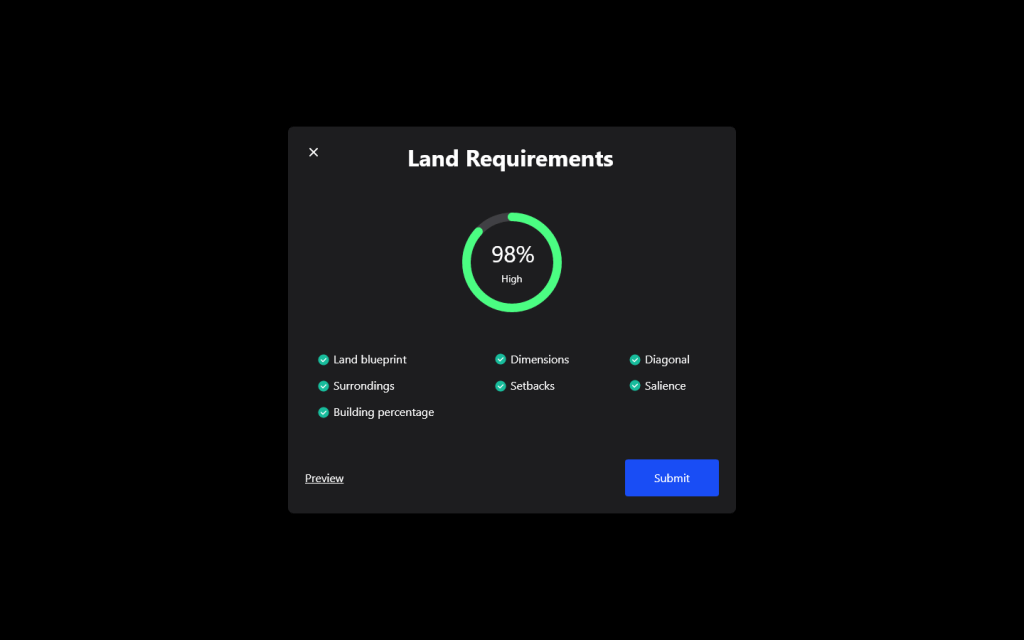
- Drawing on map might not be perfect so users can upload a drawing of their land then enter its dimensions manually.
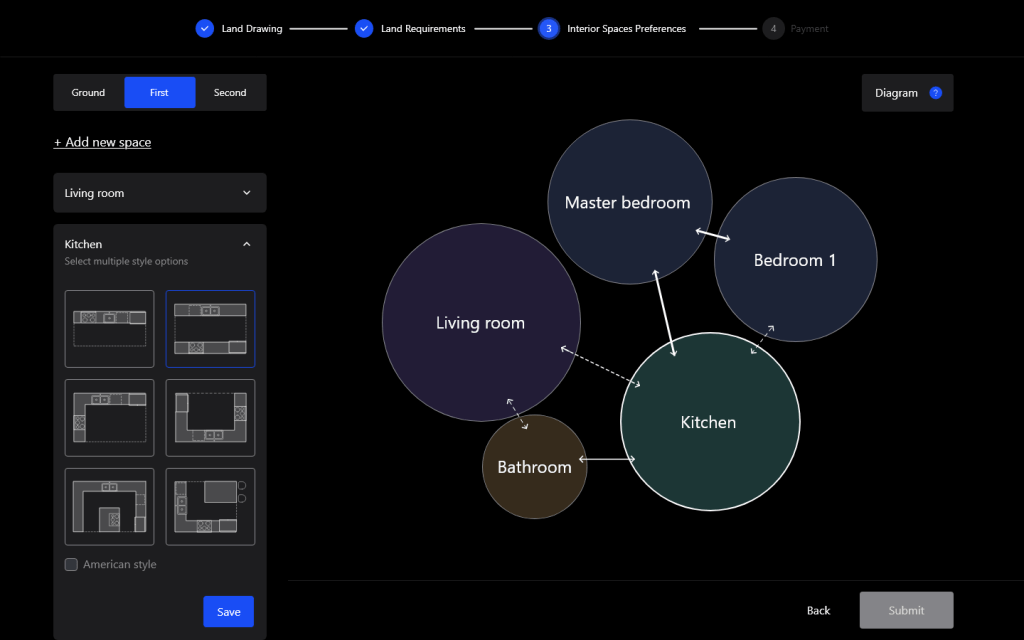
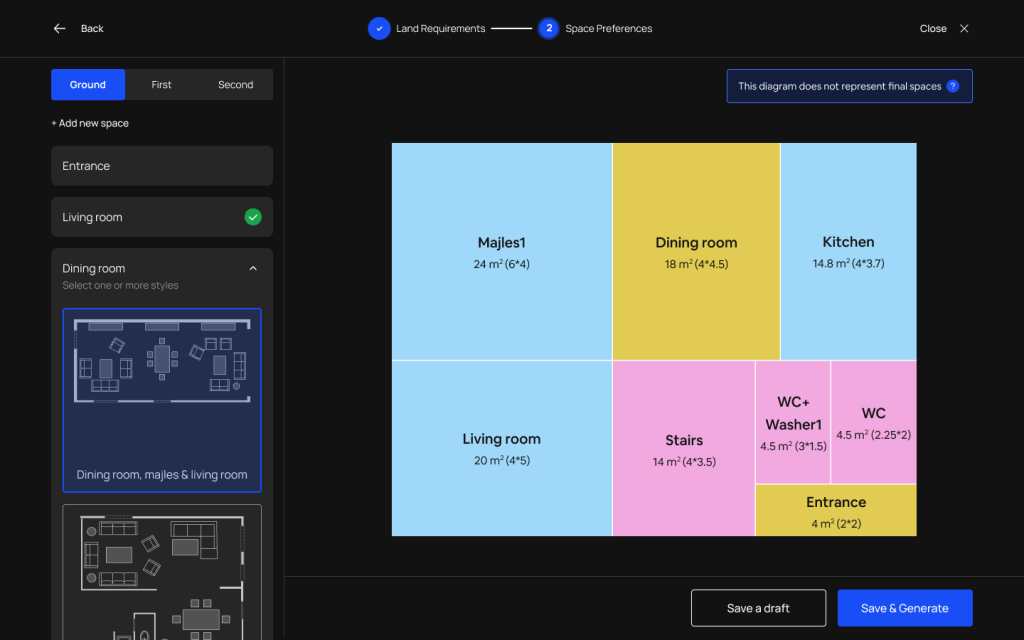
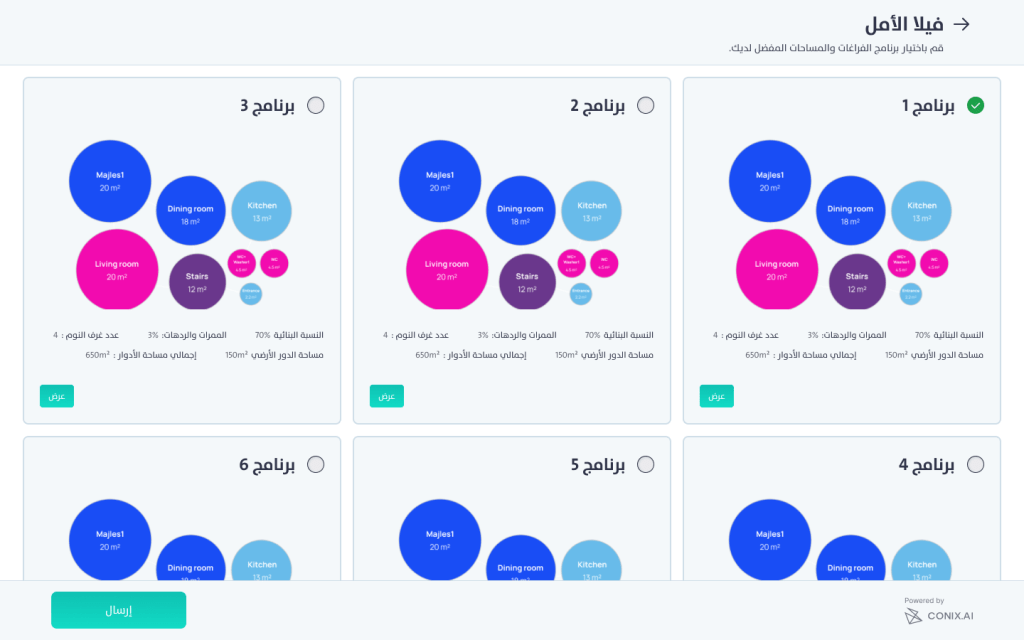
- After setting all the data required, users can select their preferences for the interior spaces known as bubble diagram
- The engine suggested a set of initial spaces based on the data collected about users preferences in the country or region where the project is then architects can add, modify of delete spaces.
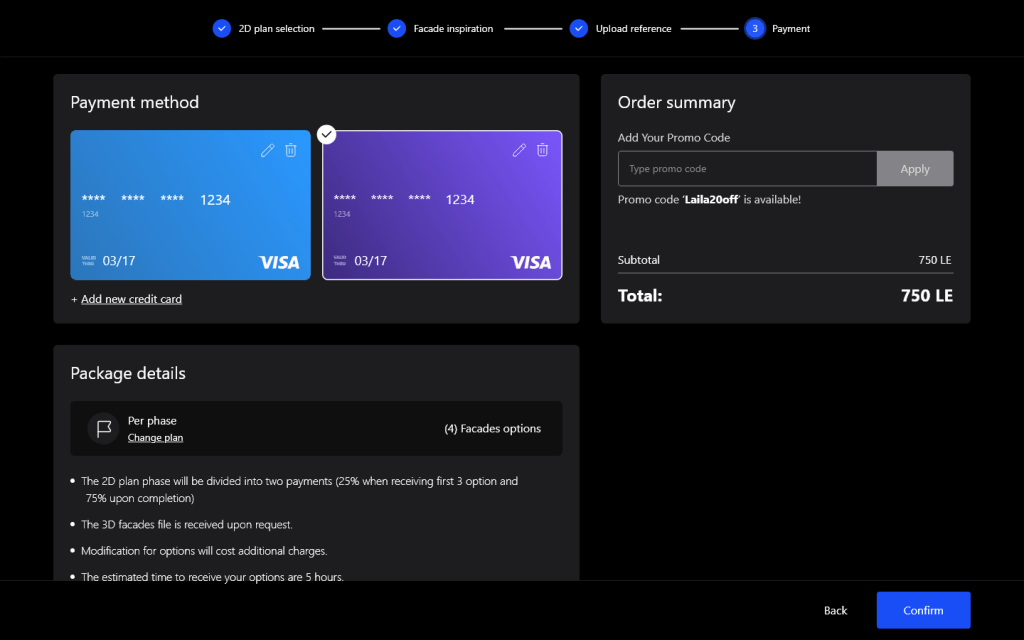
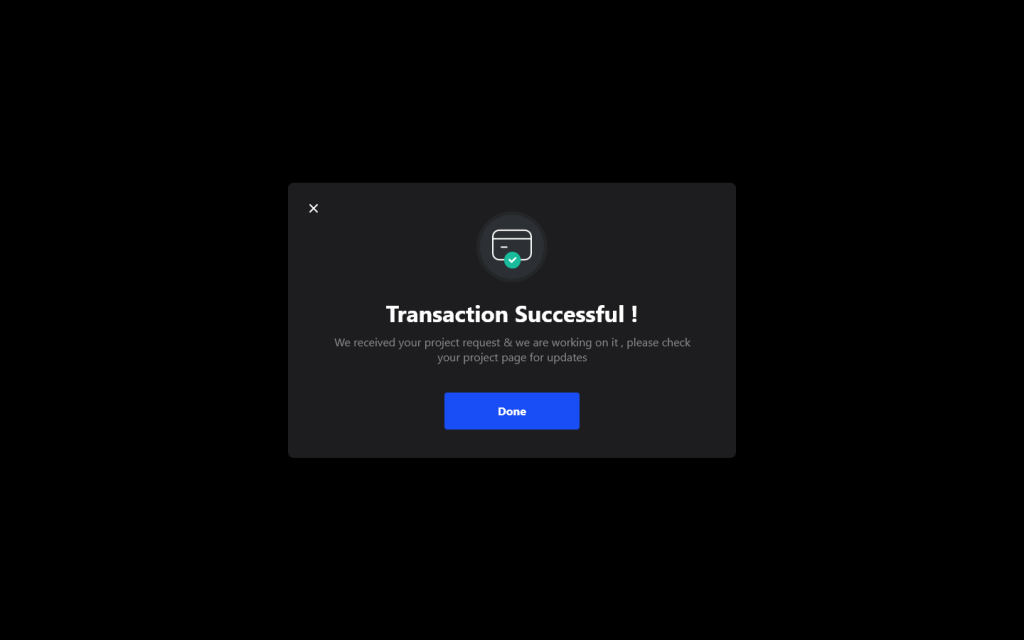
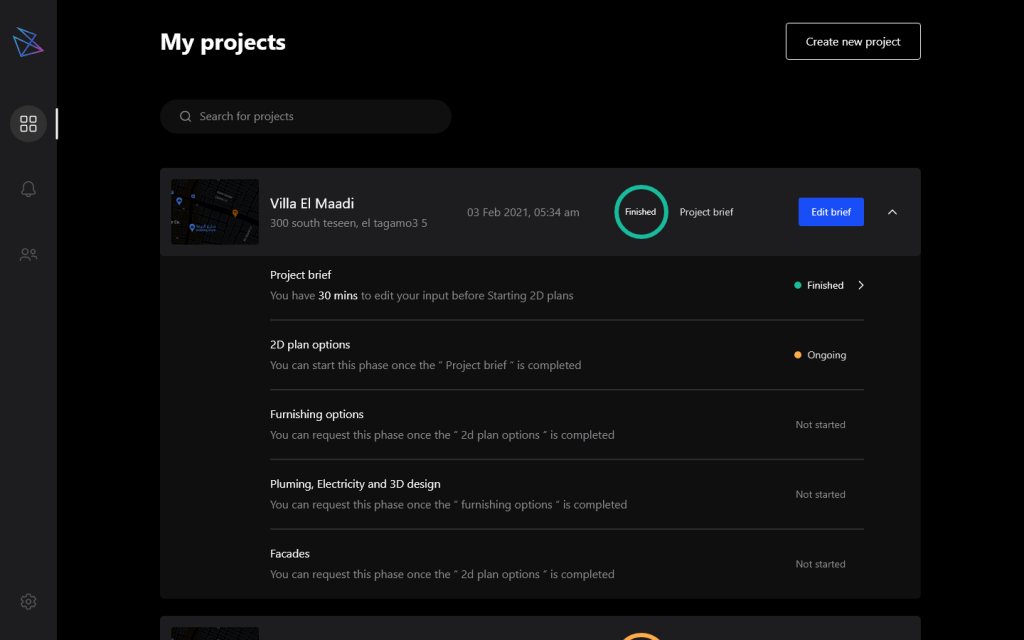
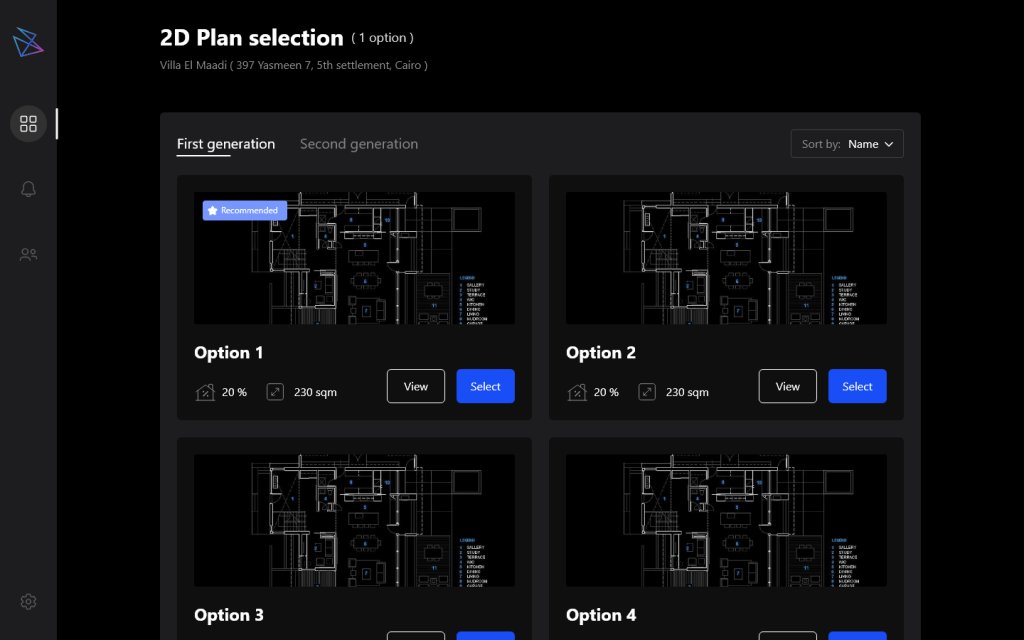
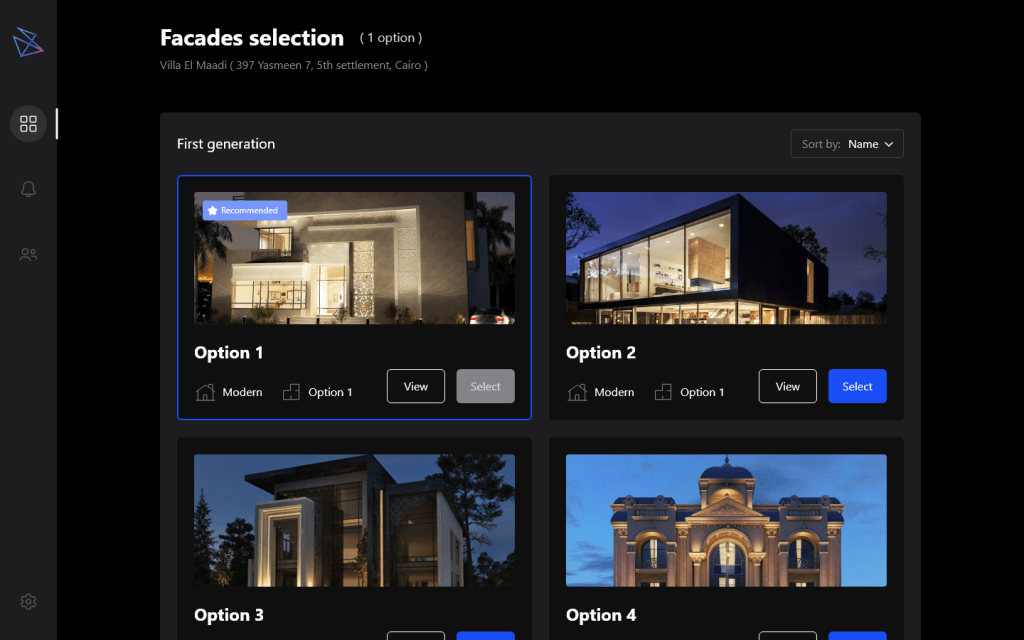
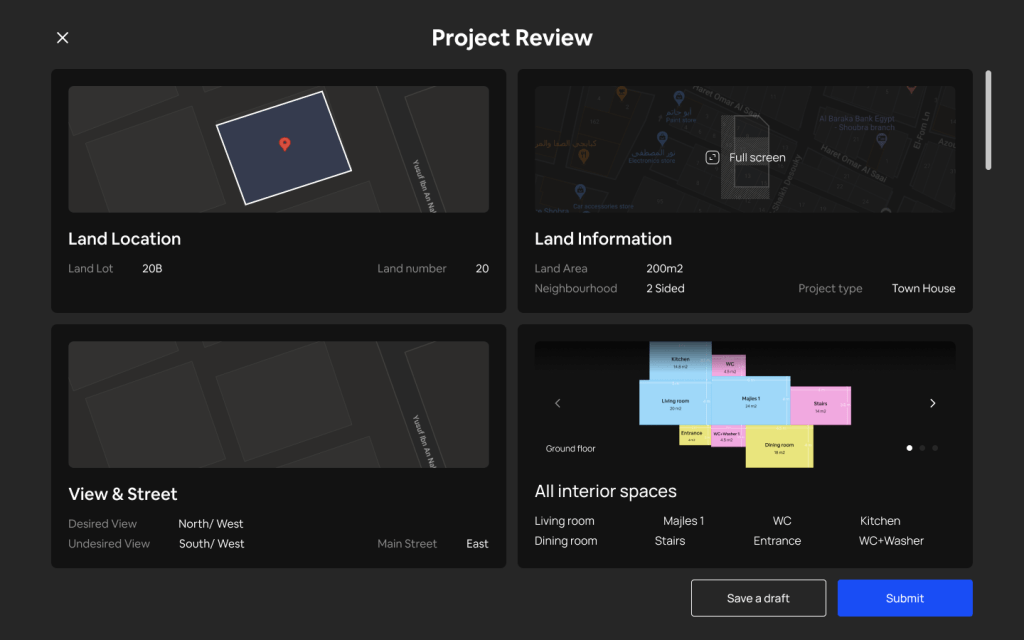
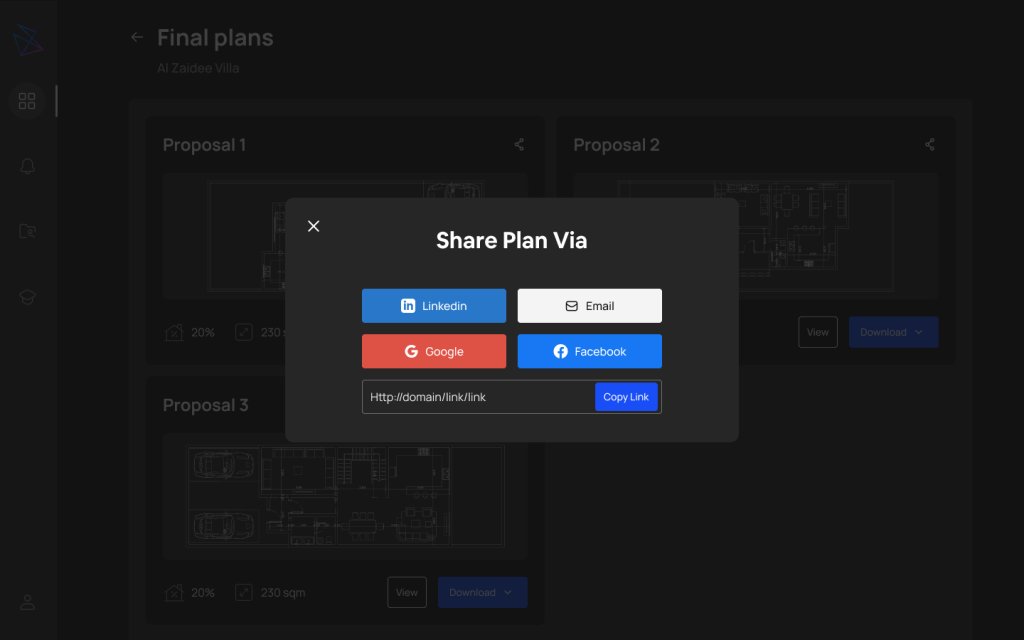
- Finally users can select which plans package they want, pay for it and receive their plans.








CONIX.AI as a solution for small developers
On entering the market, the potential in the Saudi market emerged with the new housing plan. We needed to adapt the solution for the Saudi market and for the new target user, real estate developers.
We did the following:
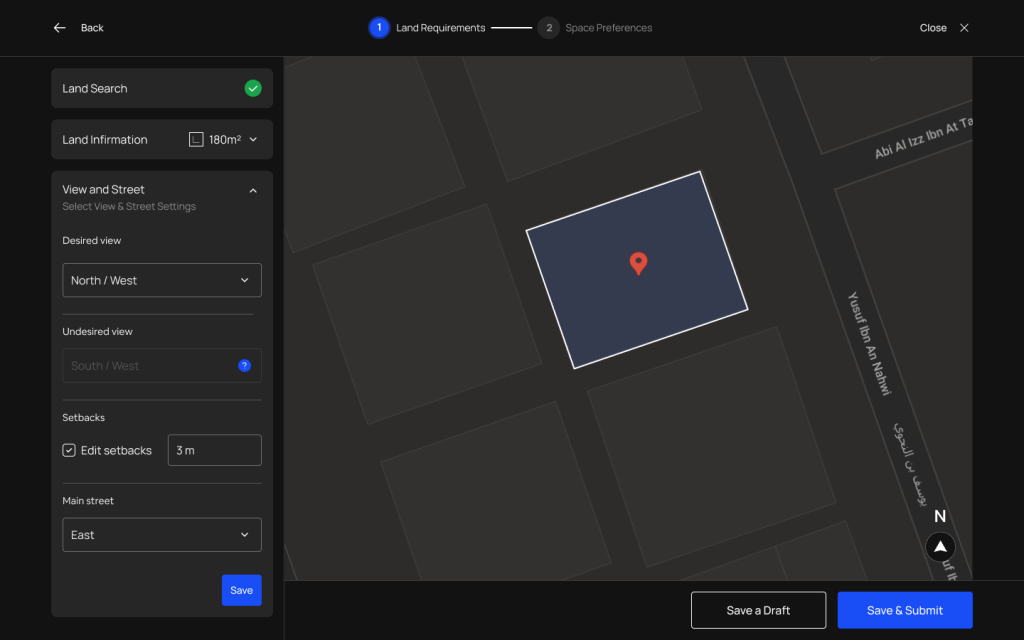
- Study the Saudi building code for different regions.
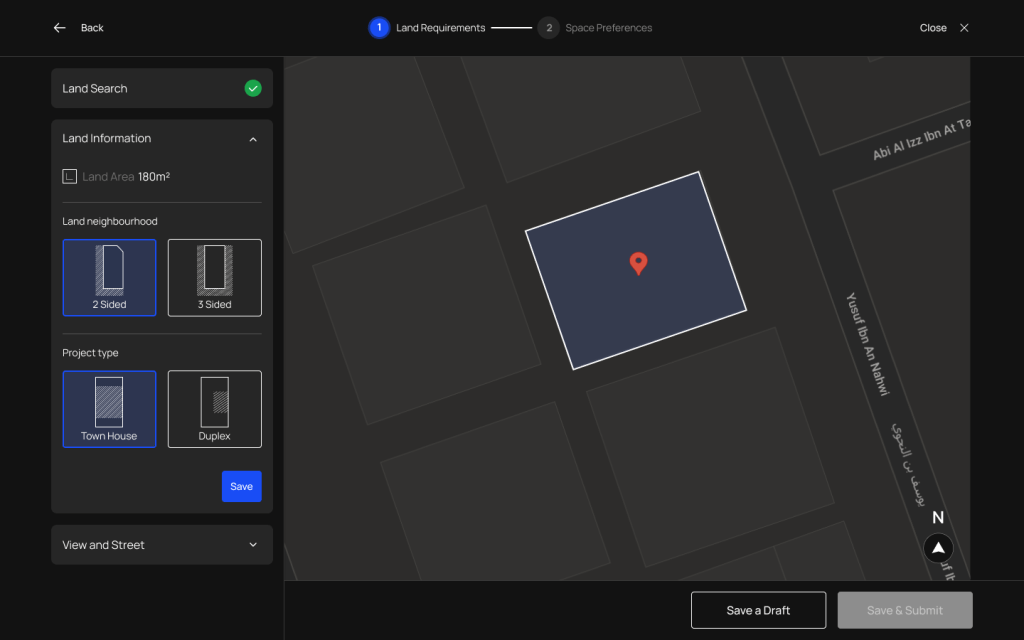
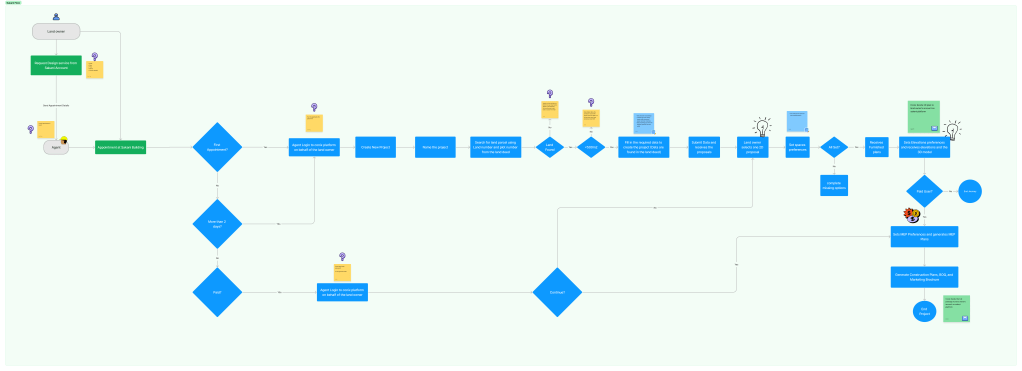
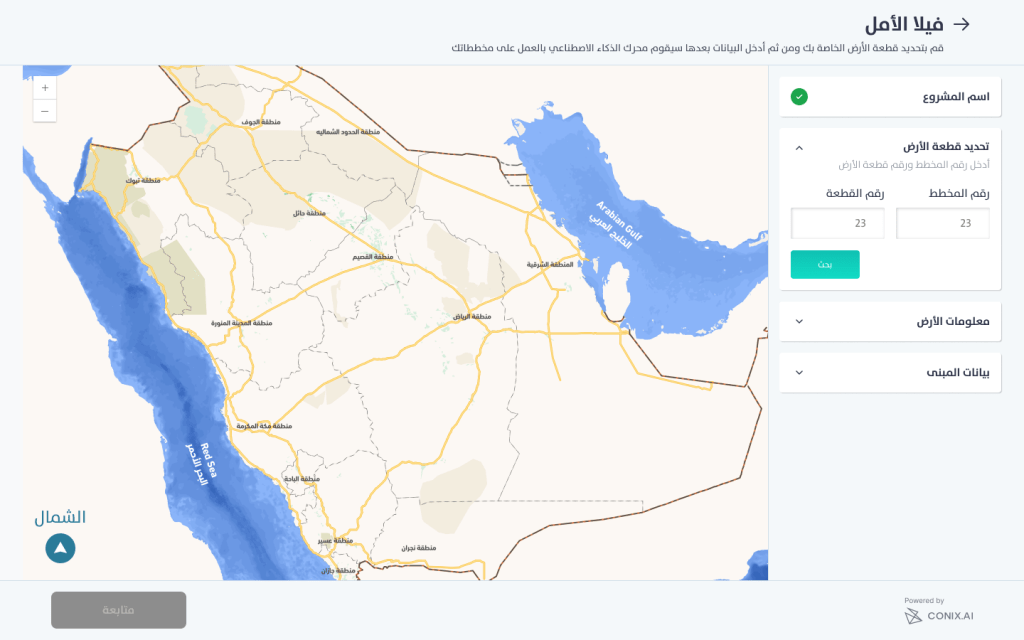
- Simplify the land entry process to be by land number that is registered in the ministry of housing.
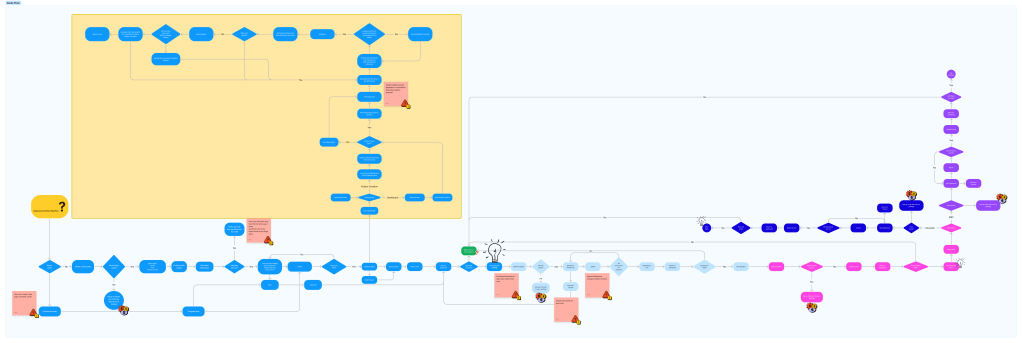
User Flow
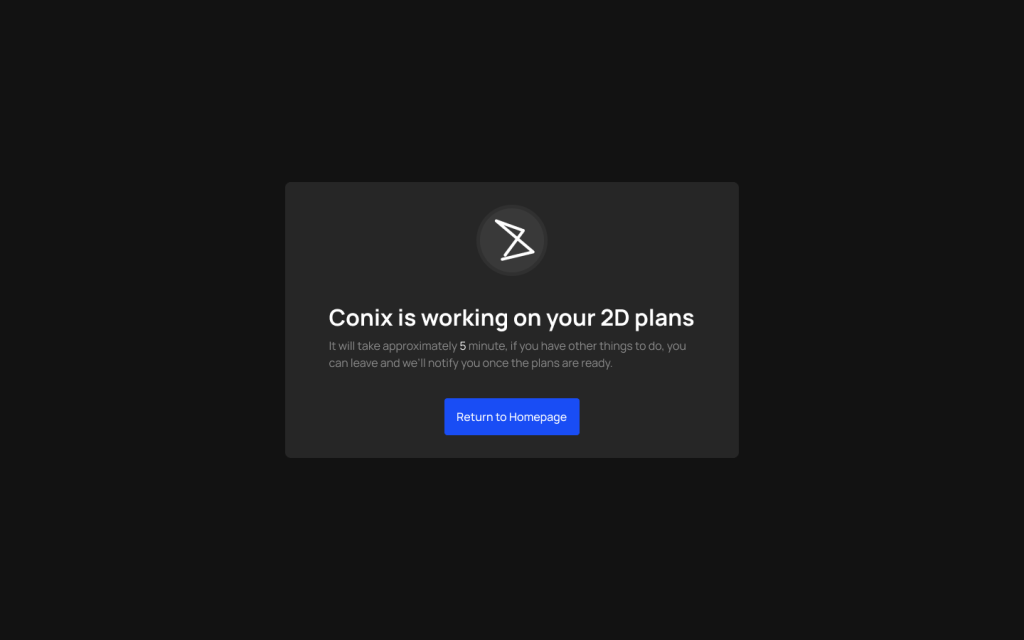
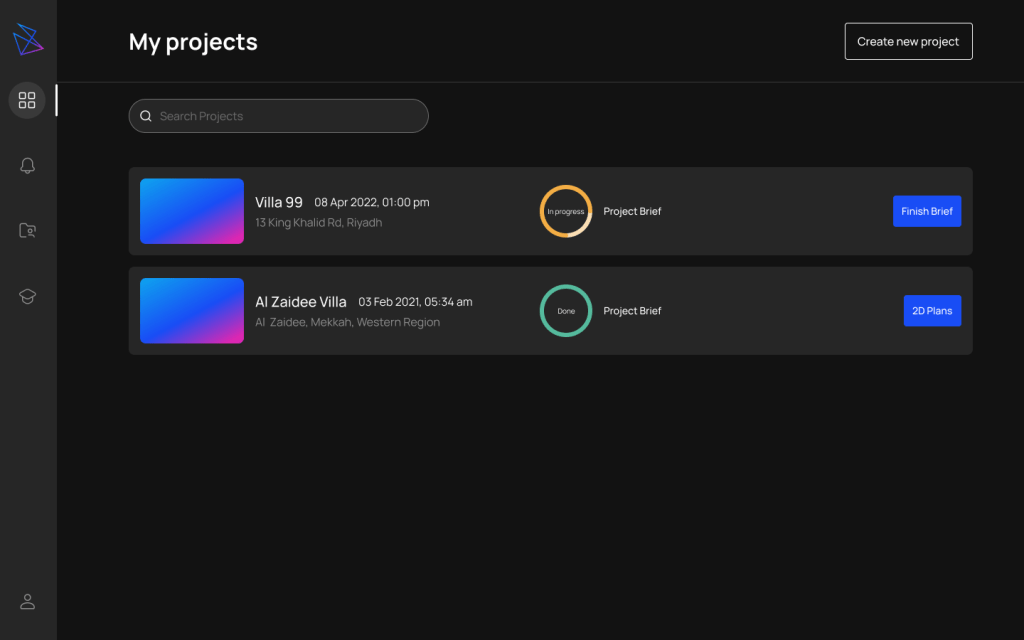
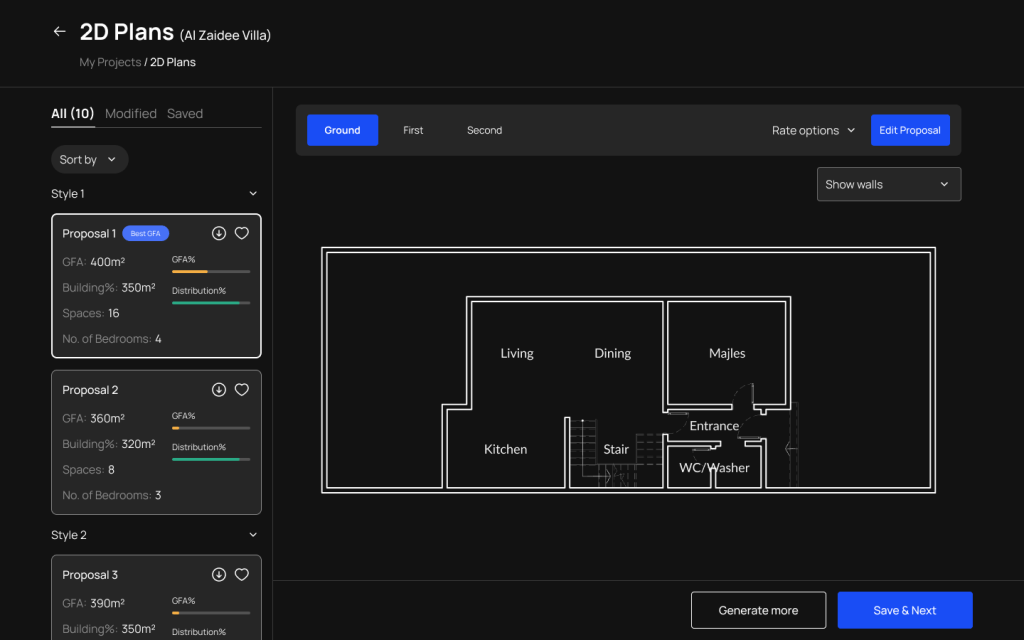
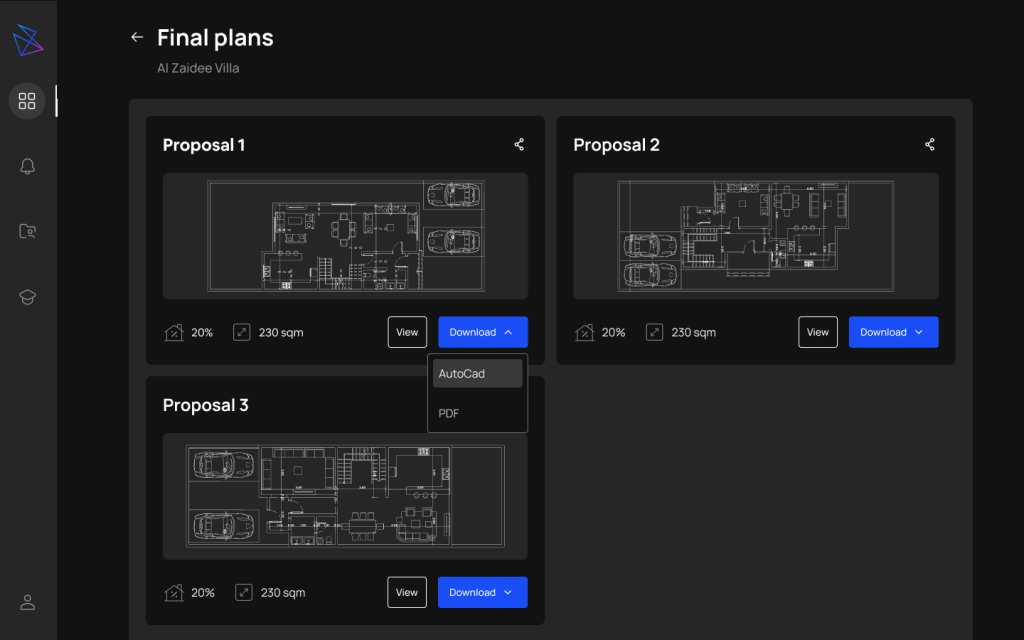
Snapshots
CONIX.AI as a solution for small developers
After entering the Saudi market and complying with the building code, we started developing a solution for land owners.
We did the following to adapt the user experience:
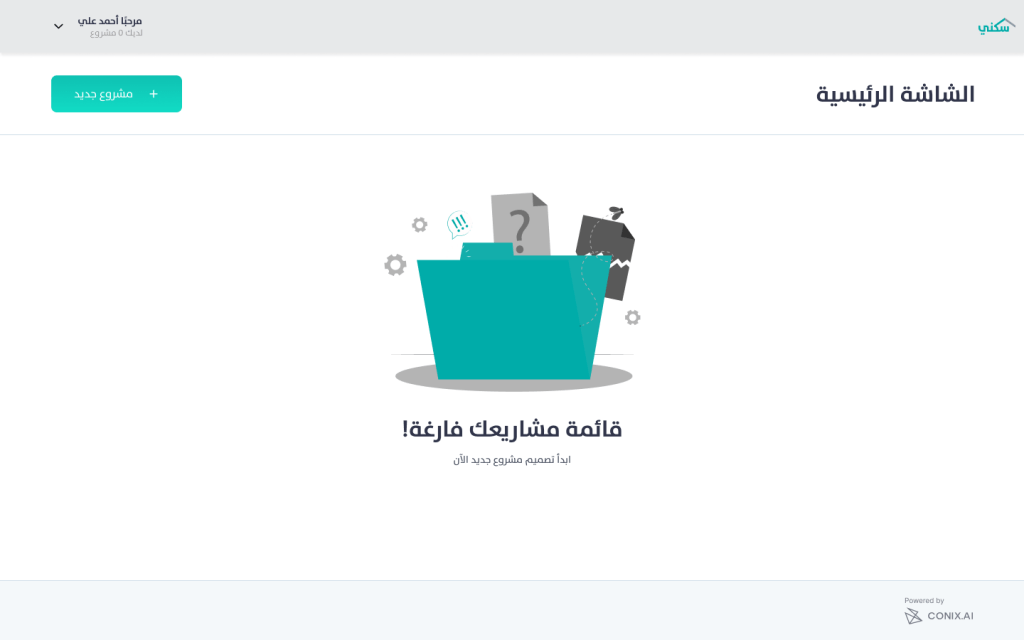
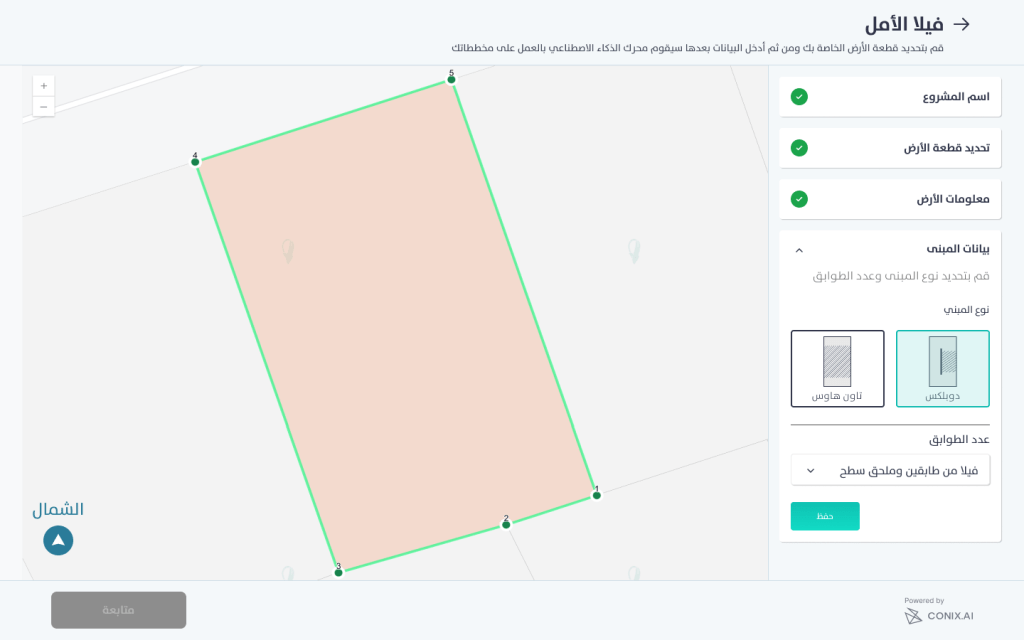
- Launch the platform in Arabic.
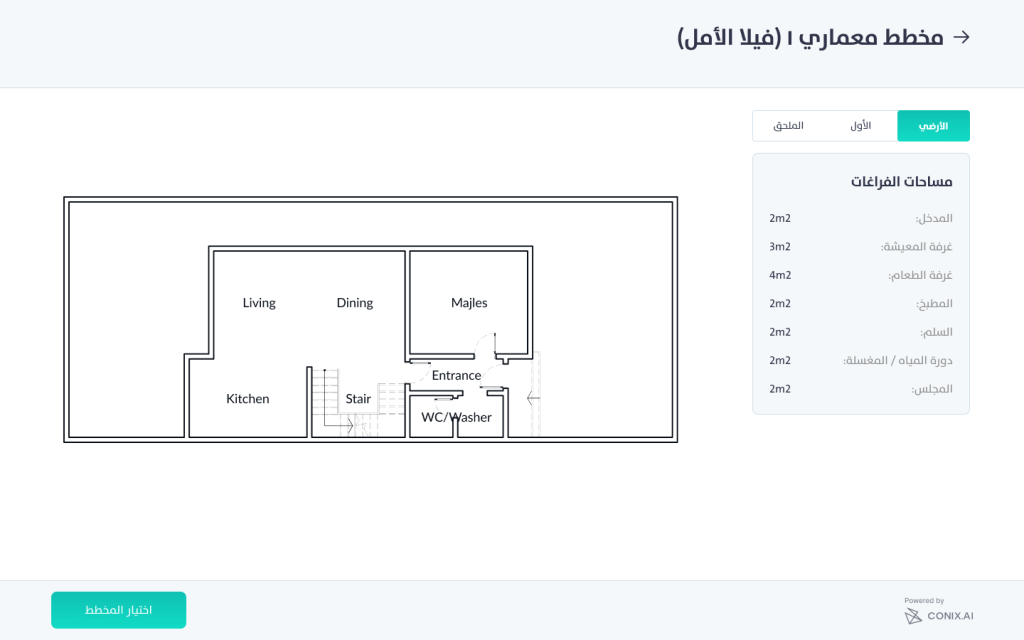
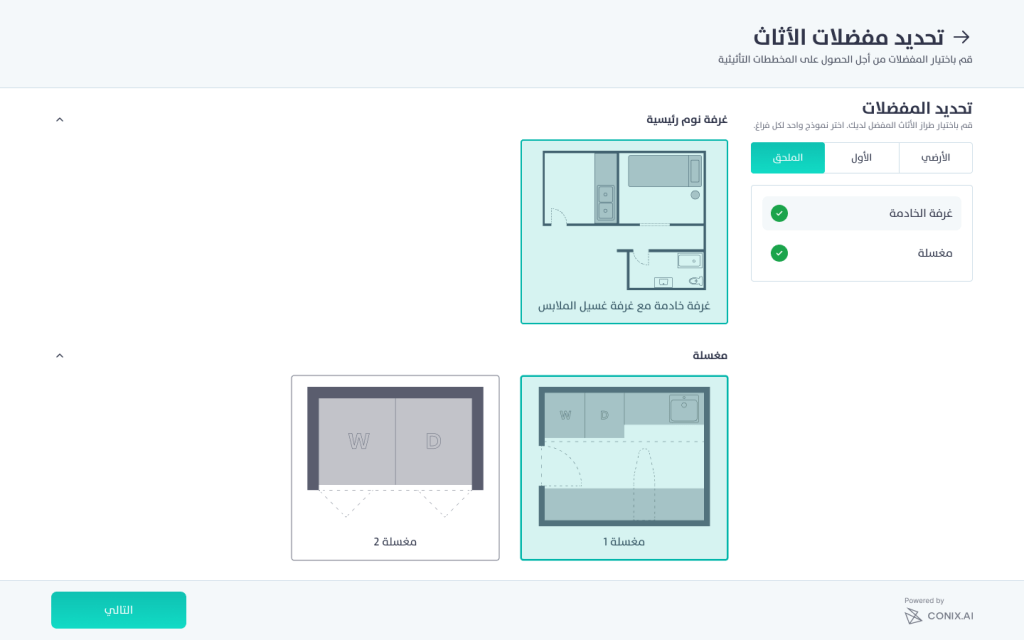
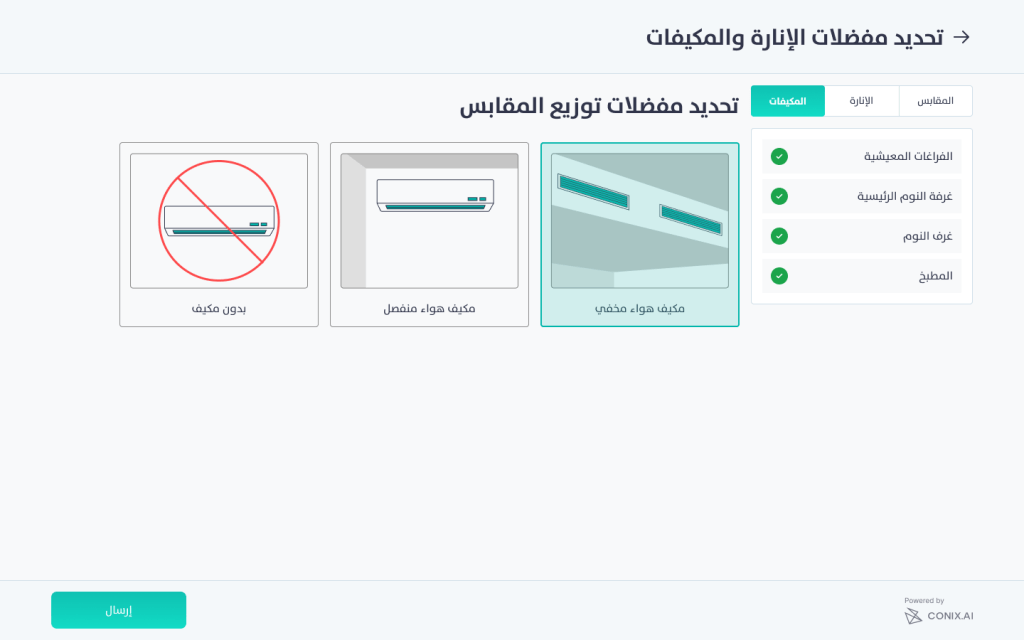
- Allow users to select from a set of grouped spaces.
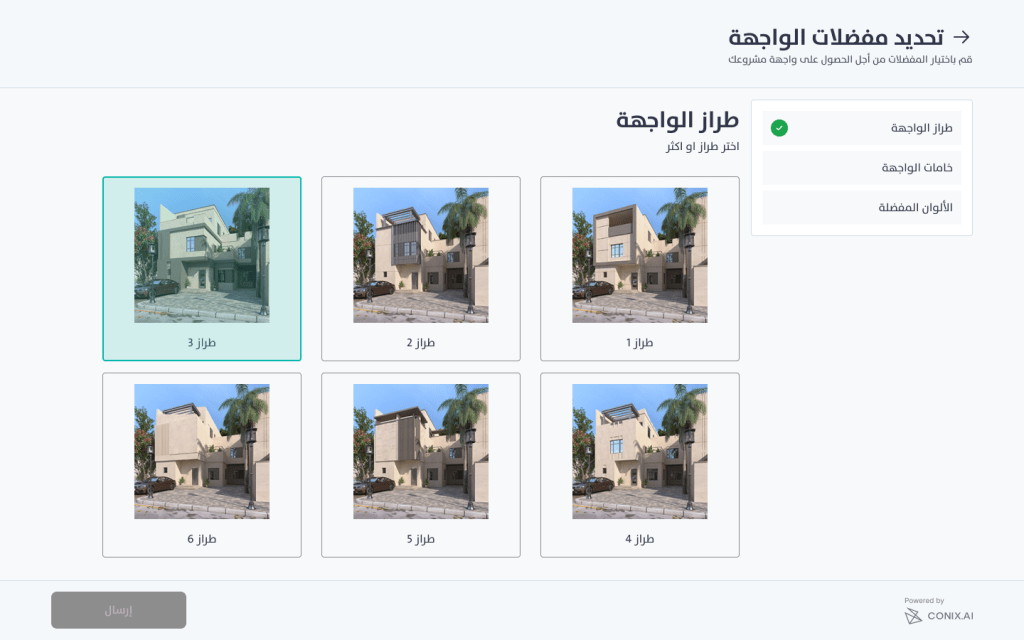
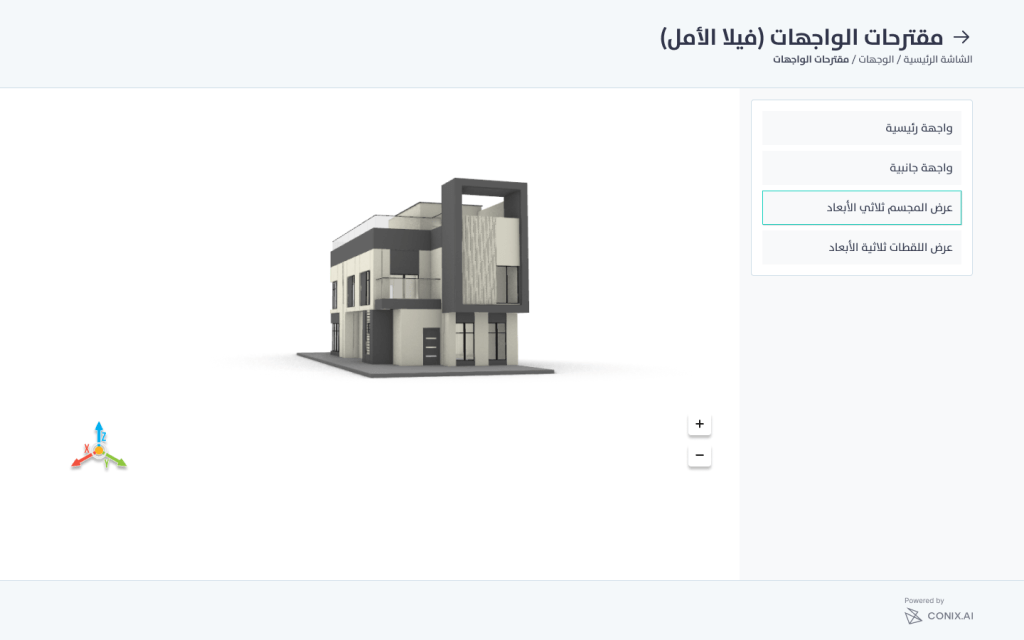
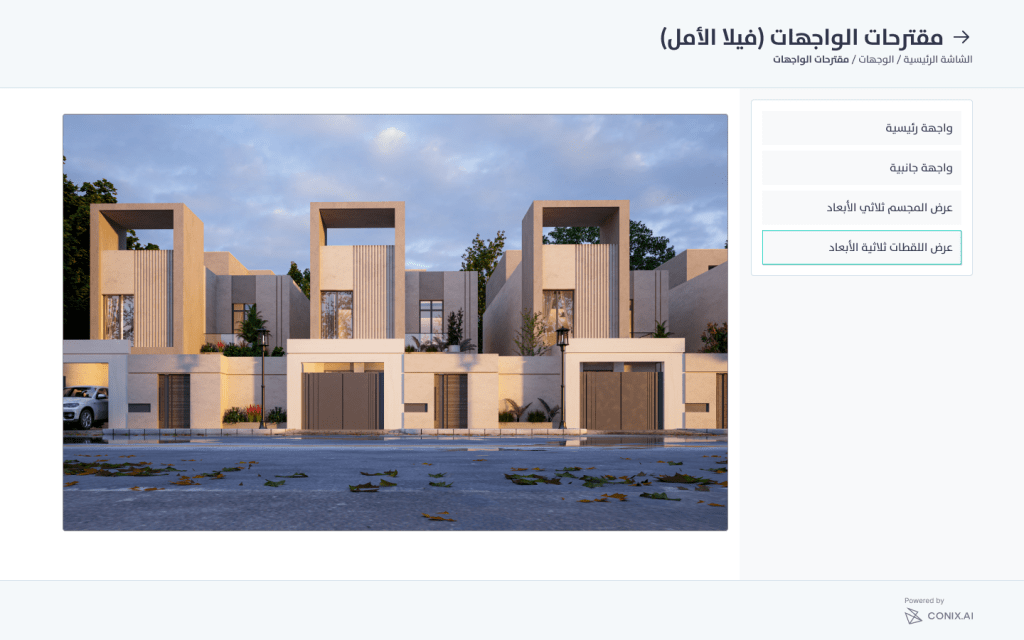
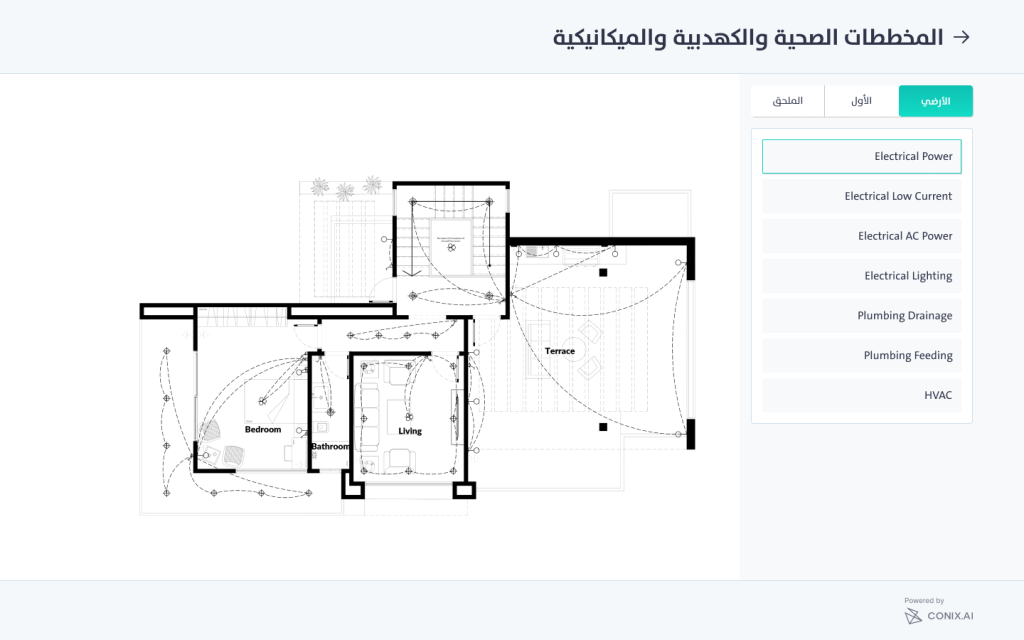
- Visually represent the different steps of the project as modules to be more accessible.
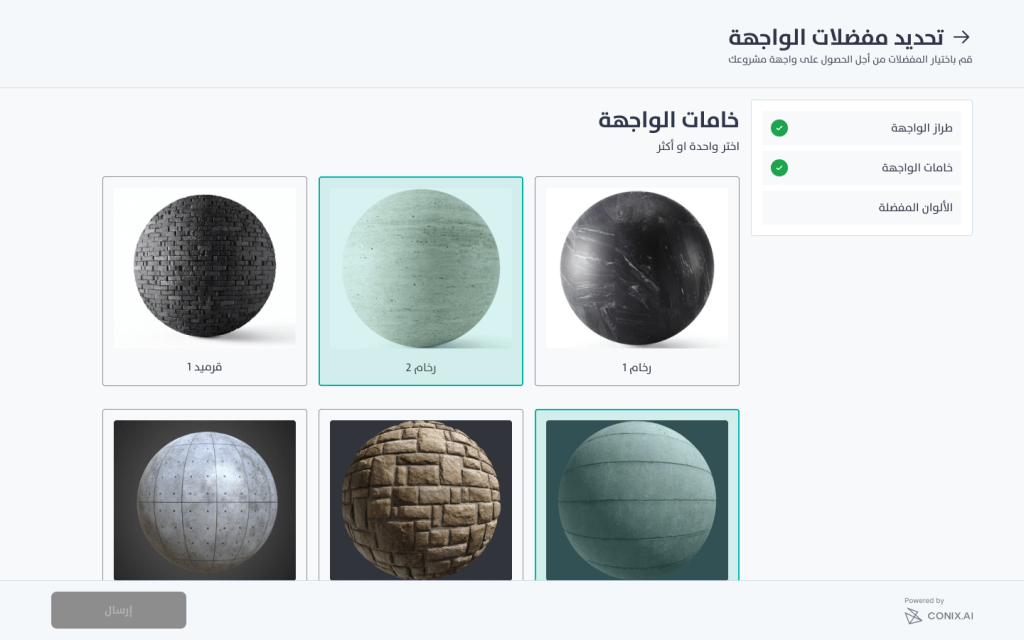
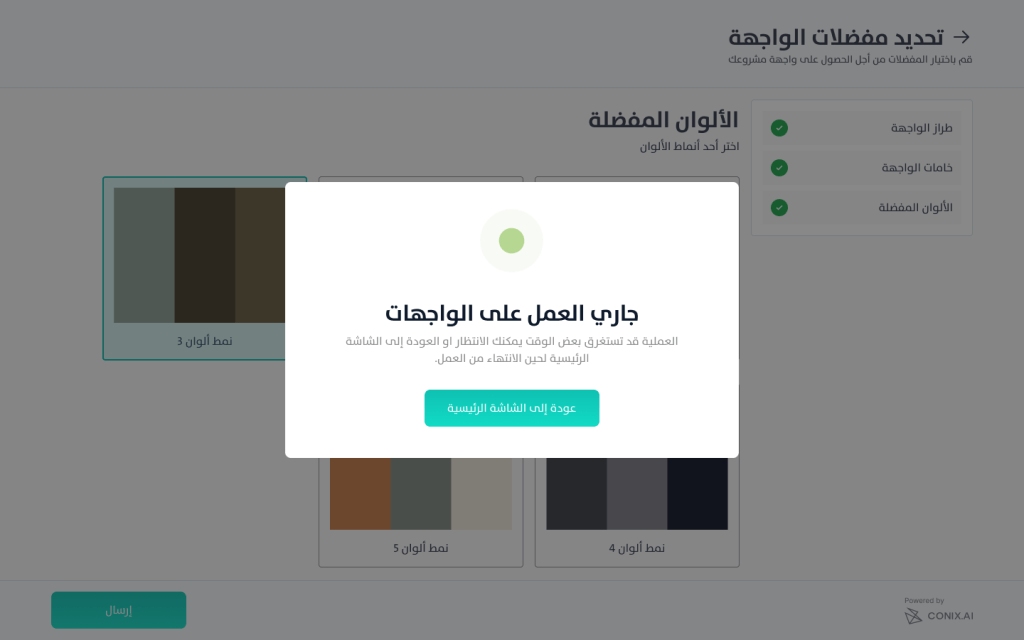
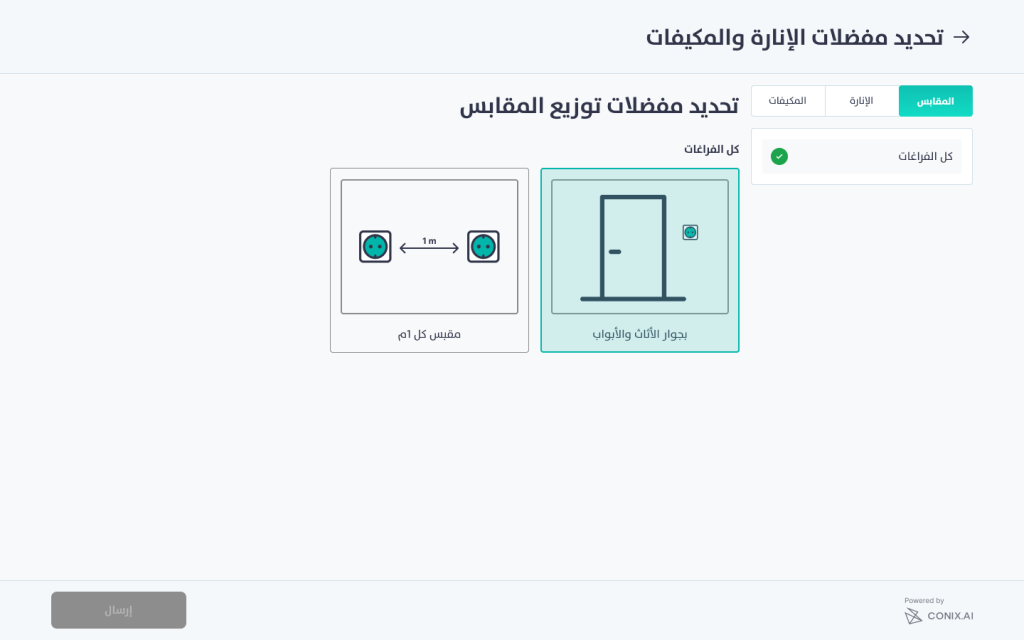
- Allowing users to set their preferences for the different modules of the product.
- Auto-comply check on the results.
User Flow
Snapshots




 Ayah Abdeen